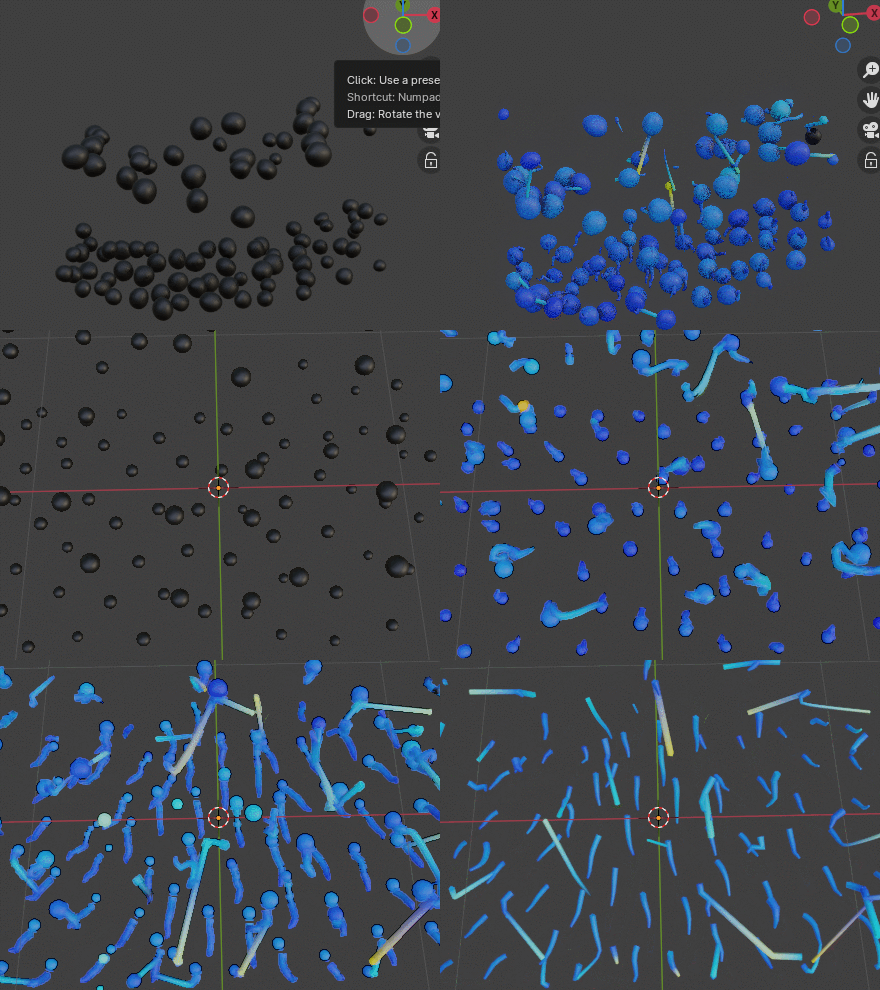
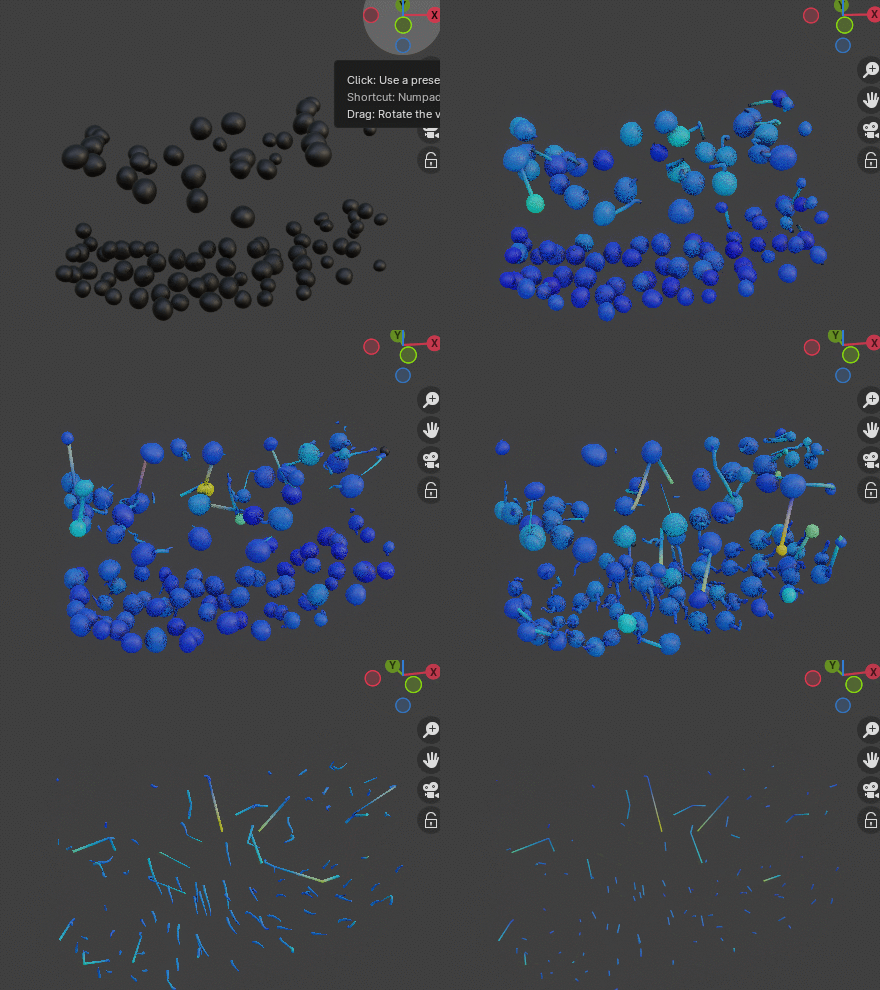
Installation
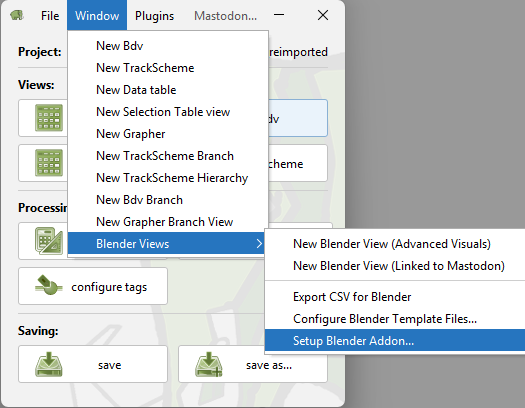
We have implemented a user-friendly installation routine within Mastodon, enabling users to leverage Blender’s 3D capabilities with just a few clicks. The installer can be accessed from any Mastodon window via
Window > Blender Views > Setup Blender Addon.
Setup Blender Addon…
Pre-requisites:
Make sure to install Blender as a “portable” installation. The reason for this is that the Mastodon Blender Plugin needs write access to the Blender installation directory, which may not be possible with a standard installation.
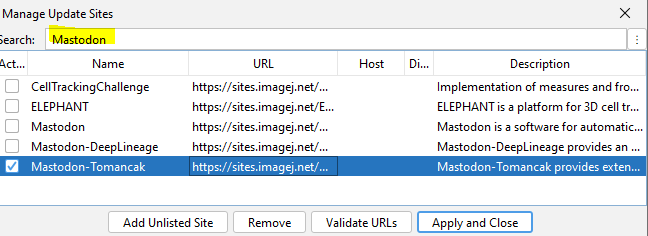
Activate the “Mastodon-Tomancak” update site in Fiji.
Open Fiji and create / open a Mastodon project.
In Mastodon’s main menu, you will find an entry
Window > Blender Views > Setup Blender Addon ..., click it and follow the instructions to install the Mastodon Blender Plugin.
Troubleshooting: Python packages installed in the wrong location
The installation routine installs a set of Python packages into Blender’s bundled Python, located at
<Blender installation folder>/Contents/Resources/5.*/python/lib/python3.1*/site-packages.On some systems with a pre-existing Python installation, these packages are instead installed into the user’s local site-packages directory at
<user home directory>/.local/lib/python3.1*/site-packages. When this happens, Blender cannot find the packages and the installation does not succeed.If you run into this, you can fix it manually by copying the following folders and files from
<user home directory>/.local/lib/python3.1*/site-packagesto<Blender installation folder>/Contents/Resources/5.*/python/lib/python3.1*/site-packages:bidictbidict-*.dist-infodateutilgooglegrpcgrpc_toolsgrpcio_tools-*.dist-infogrpcio-*.dist-infopandaspandas-*.dist-infoprotobuf-*.dist-infopython_dateutil-*.dist-infosix-*.dist-infosix.py
Configure Blender Template Files…
Menu Location:
Window > Blender Views > Configure Blender Template Files...This command allows you to configure the Blender template files that are used when opening a new Blender window. This is useful if you want to use a different Blender template file than the default one. Blender templates can be used to define the initial state of a new Blender window, e.g. the camera position, the lighting, the background color, etc.
An example of a Blender template files can be downloaded from here: blender_template.zip. Needs to be unzipped before use.
Note: The template file must be a Blender file with the extension
.blend. The template file is only used for theAdvanced Visualsview. TheLinked to Mastodonview does not use the template file.Same dataset with default and custom Blender template file:
Default Blender template file:
Custom Blender template file: